ArchiveBox: Self-Hosted Web Archiving for Pages That Won't Last Forever
Links rot. Studies consistently show that around 25% of web pages cited in academic papers become inaccessible within a few years. If you've ever clicked a bookmark only to find a 404, you already know the problem. ArchiveBox is a self-hosted tool that saves complete snapshots of web pages — HTML, screenshots, PDFs, media files, and more — so you never lose access to content that matters.
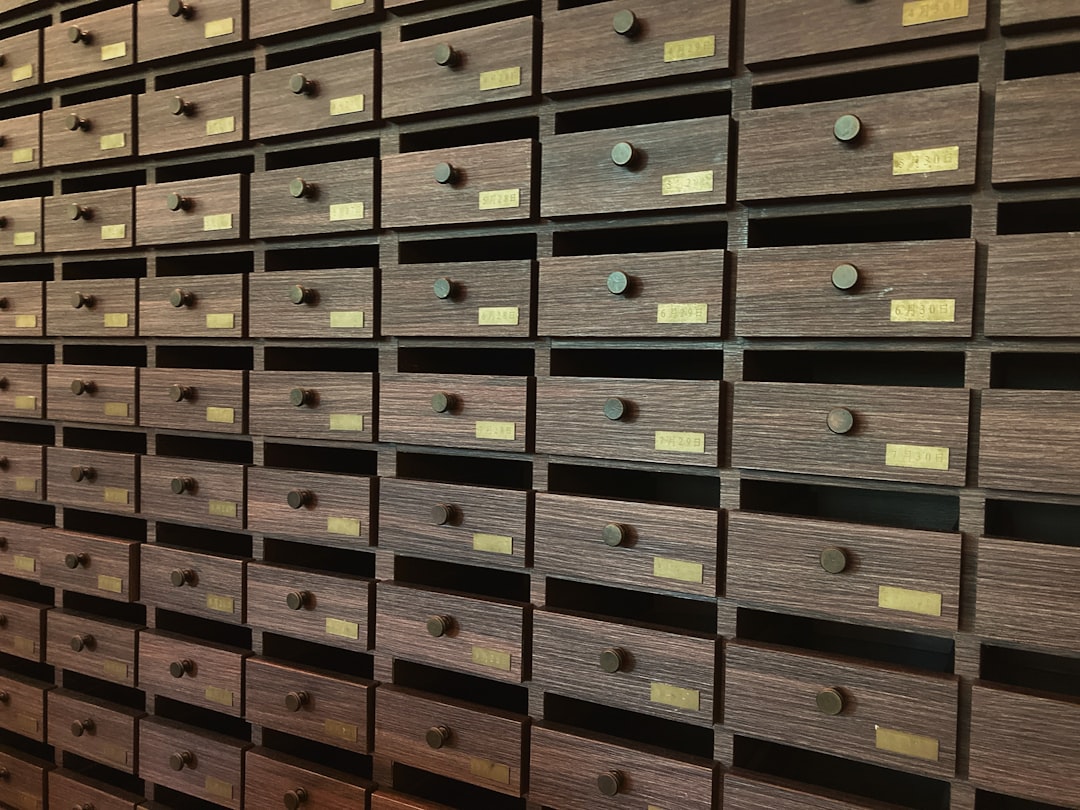
Photo by Thomas Kinto on Unsplash
What ArchiveBox Actually Does
ArchiveBox takes URLs and creates multiple redundant copies of each page using different methods. For every URL you feed it, the system can produce:
- A full HTML snapshot (with assets inlined)
- A screenshot (via headless Chromium)
- A PDF rendering
- A Wget mirror of the page
- A WARC archive (the format used by the Internet Archive)
- Extracted text, title, and metadata
- Git-cloned repositories (for GitHub/GitLab URLs)
- Media files downloaded via yt-dlp (for video/audio URLs)
This redundancy matters. If one archive method fails or produces a poor result, another method likely captured what you need.
Docker Compose Setup
The simplest way to run ArchiveBox is with Docker Compose:
services:
  archivebox:
    image: archivebox/archivebox:latest
    ports:
      - "8000:8000"
    volumes:
      - ./data:/data
    environment:
      - ALLOWED_HOSTS=*
      - MEDIA_MAX_SIZE=750m
      - SEARCH_BACKEND_ENGINE=sonic
    command: server --quick-init 0.0.0.0:8000

  sonic:
    image: valeriansaliou/sonic:latest
    volumes:
      - ./sonic:/var/lib/sonic/store
    environment:
      - SEARCH_BACKEND_PASSWORD=your-sonic-password
After starting the stack, create an admin user:
docker compose exec archivebox archivebox manage createsuperuser
The web UI at http://your-server:8000 lets you browse, search, and manage your archive.
Adding URLs to Your Archive
ArchiveBox accepts URLs from multiple sources. The simplest approach is adding them one at a time through the web UI or CLI:
docker compose exec archivebox archivebox add "https://example.com/important-article"
But the real power comes from bulk imports. You can feed it browser bookmarks, RSS feeds, Pocket exports, or plain text files with one URL per line:
# Import browser bookmarks
docker compose exec archivebox archivebox add --parser bookmarks < bookmarks.html

# Import from a text file of URLs
docker compose exec archivebox archivebox add < urls.txt

# Import from an RSS feed
docker compose exec archivebox archivebox add "https://example.com/feed.xml"
Want more utilities guides? Get guides like this in your inbox — Self-Hosted Weekly delivers one free deep-dive every week.
Automating Ongoing Archiving
A one-time import is useful, but continuous archiving is where self-hosting shines. Set up a cron job to periodically archive new content from your RSS feeds or bookmarks:
# Add to crontab — archive new RSS items every 6 hours
0 */6 * * * cd /path/to/archivebox && docker compose exec -T archivebox archivebox add "https://example.com/feed.xml" >> /var/log/archivebox-cron.log 2>&1
You can also integrate ArchiveBox with other self-hosted tools. Linkding, Wallabag, and FreshRSS can all export URLs that ArchiveBox will happily ingest. Some users pipe their browser history through ArchiveBox to create a searchable personal web history.
Storage and Performance Considerations
Each archived page uses roughly 2–10 MB depending on content complexity and which archive methods you enable. A collection of 10,000 pages might use 20–50 GB. Videos and large media files can consume significantly more.
You can control storage usage by selectively disabling archive methods you don't need:
# In your environment or ArchiveBox.conf
SAVE_SCREENSHOT=True
SAVE_PDF=True
SAVE_WGET=True
SAVE_WARC=False        # WARC files are large, disable if storage is tight
SAVE_GIT=False          # Only useful for repository URLs
SAVE_MEDIA=False        # Disable yt-dlp for video/audio
SAVE_SINGLEFILE=True    # SingleFile produces excellent single-page HTML archives
For the archiving engine, Chromium is the heaviest dependency. It needs around 500 MB of RAM per active tab. On a resource-constrained server, you can disable screenshot and PDF capture to avoid running Chromium entirely, relying on Wget and SingleFile instead.
Full-Text Search with Sonic
The Docker Compose configuration above includes Sonic, a lightweight search backend. Once connected, ArchiveBox indexes the text content of every archived page, giving you instant full-text search across your entire collection.
Sonic uses minimal RAM (around 30 MB) compared to Elasticsearch, making it practical even on a Raspberry Pi. The trade-off is that Sonic's search is simpler — no fuzzy matching or advanced query syntax — but for personal archives, exact and substring matching is usually sufficient.
Practical Use Cases
Research and reference: Archive every source you cite in a paper, blog post, or report. When reviewers or readers click your links years later, the content is still accessible via your archive.
Legal and compliance: Some industries require proof that specific web content existed at a specific time. ArchiveBox timestamps every snapshot and preserves the original content with cryptographic hashes.
Recipe and how-to hoarding: Food blogs are notorious for disappearing or restructuring. Archive recipes you actually cook, and you'll never lose them to a site redesign or shutdown.
News monitoring: Archive articles from paywalled or ephemeral sources. Combined with Changedetection.io (another excellent self-hosted tool), you can automatically archive pages when they change.
ArchiveBox vs the Wayback Machine
The Internet Archive's Wayback Machine is an incredible public resource, but it has limitations. It doesn't archive everything, it can be slow, and content owners can request removal. Your self-hosted ArchiveBox instance archives exactly what you tell it to, stores it on hardware you control, and serves it at local network speed. The two complement each other — use the Wayback Machine as a public fallback and ArchiveBox as your private, reliable copy.
Wrapping Up
ArchiveBox fills a genuine gap in the self-hosted ecosystem. It's not the flashiest tool, but it solves a real problem: the web is ephemeral, and anything you rely on today might vanish tomorrow. With a Docker Compose stack and a few cron jobs, you can build a personal archive that preserves the pages that matter to you — permanently, on your own terms.